|
Creating an Internet connection
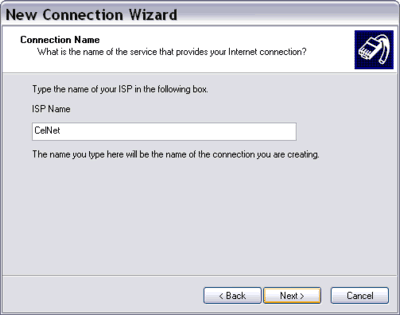
- In Connection Name, type a name for your connection in the textbox. You
can input your ISP name here or any name you like. Then click Next.
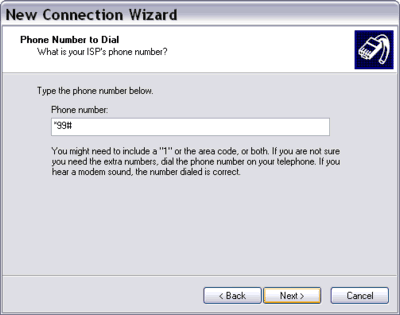
- In Phone Number to Dial, type - In Phone Number to Dial, type your ISP or access point phone number in the
textbox. Most GSM-based mobile Internet service providers use this number *99#,
while those CDMA operators usually use another number, i.e. #777. But, you must
ask your ISP (cellular data service provider) to get the dial up number. Then
click Next.
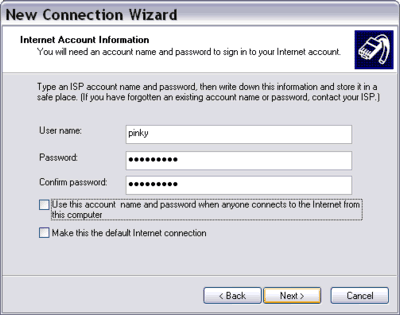
- In Internet Account Information, type your user name and password if you were
required to have a user name and password by your ISP. Then click Next.
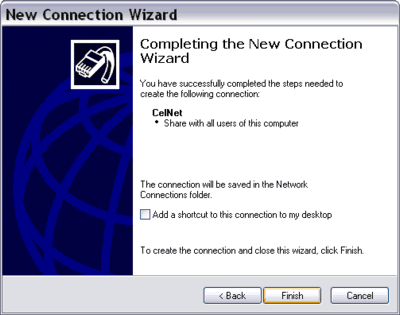
- Check "Add a shortcut to this connection to my desktop" if you want to
have a shortcut on your desktop. Then click Finish.
|